Your first apiary
Stand where the hives are, then say:
- "Create apiary Workshop with a 30 meter radius."
"Workshop" is our example name — say your own apiary's name. Same throughout this manual: Workshop, North Yard, Bench 1, Bench 3 are our example names.
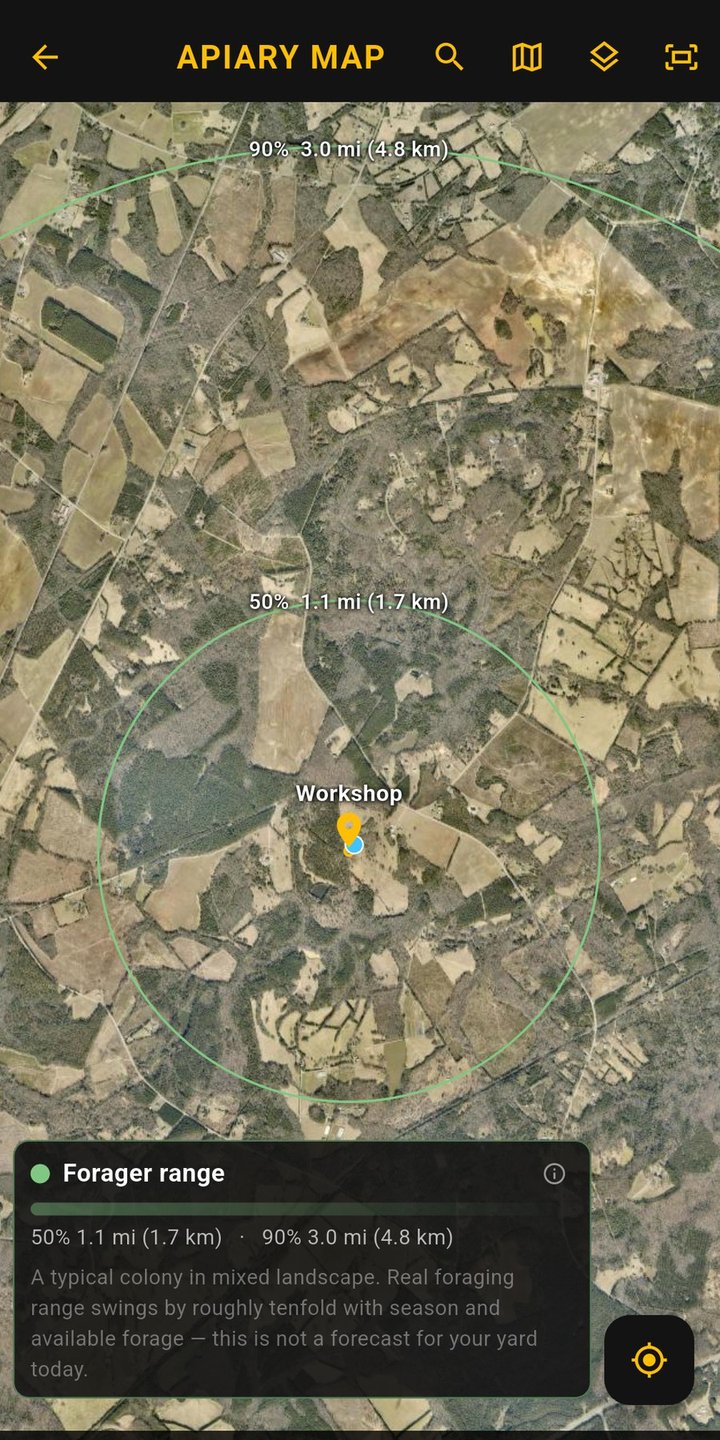
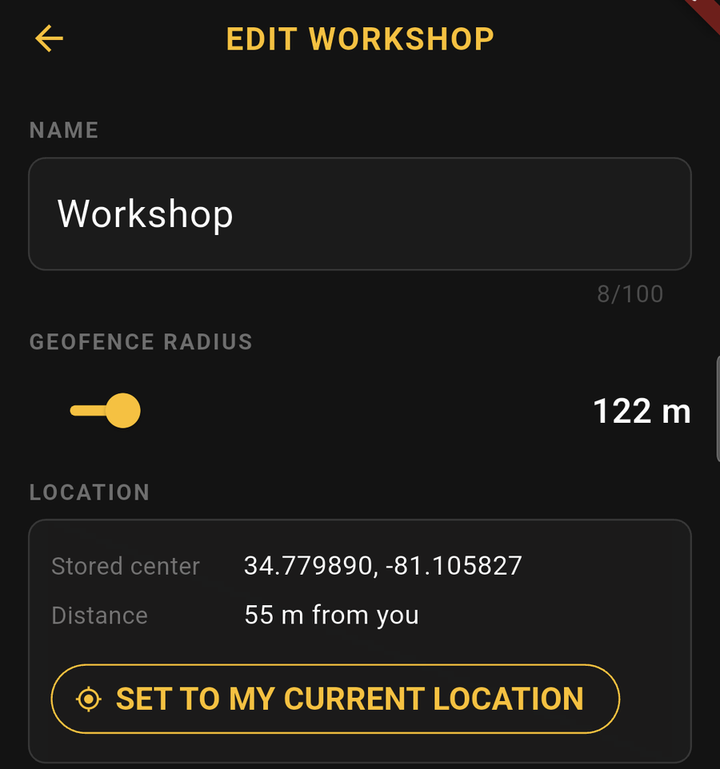
Stinger pins the new apiary to the spot you are standing on, using your phone's GPS fix. That pin is what later tells Stinger which apiary you are working in — walk into the circle and it knows.
Working an apiary you are not standing in. Say "switch to Meadow" (or pick it in the panel) and Stinger holds Meadow for you — even if you are standing inside another apiary's circle, at the bench or at the kitchen table. It stays on Meadow until you have walked out of the circle you were in and then into any apiary's circle; that arrival releases it, and Stinger says so: "Pin released — now in Hazel." Standing inside Meadow's own circle always counts as being in Meadow.
Say the radius in feet or meters — either is accepted, and Stinger reads it back in your organization's measurement system (Settings → Organization: US customary or metric). Skip the radius and you get 50 meters (164 feet). You can change either later.
If you were not standing there
Created an apiary from the couch? It lands with no location (or pinned to your couch). Fix it on the map: open the map from the console's top bar, find the apiary, and use its edit screen to place or drag the pin. Standing in the apiary later, you can also say "calibrate this apiary's location" to re-pin it to where you stand.
Naming apiaries
Short, distinct names work best out loud: "Workshop", "North Yard", "Fishing Creek". Saying the name is enough — the apiary is created right away, pinned to where you stand. There is no confirm step, so say the name you mean.
Your organization's numbers
A few judgments have a number behind them, and every organization can set its own in the app's Settings → Organization: what counts as weak (40 % of the box or less, by default — 4 frames of bees in a 10-frame box), the mite count that earns a warning (more than 3), and how old a reading can be before a read-back adds its date (7 days). Changing one changes tomorrow's answers, never yesterday's records, and when yours is not the default the read-back says so once.
Renaming, archiving, deleting
- "Rename apiary Workshop to Home Yard."
- "Archive apiary North Yard." — hides it (history preserved). An apiary with active colonies is refused — Stinger tells you how many to move or archive first. An empty apiary asks once: say "confirm archive".
- "Unarchive apiary North Yard." — brings the apiary back; colonies inside stay archived until you unarchive them individually.
- "Delete apiary Walker." — permanent, and only for an empty mistake: Stinger asks once (say "confirm delete" to proceed, or "leave them" to cancel) and refuses if the apiary ever held colonies, reminders, or open items.